
Menu-bar countdown
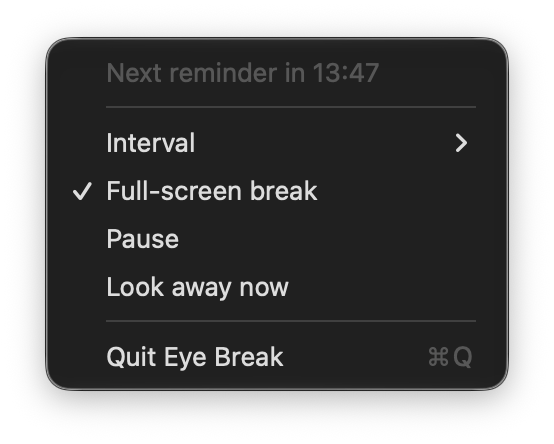
A live eye icon with a monospaced countdown to the next break.
macOS menu-bar app
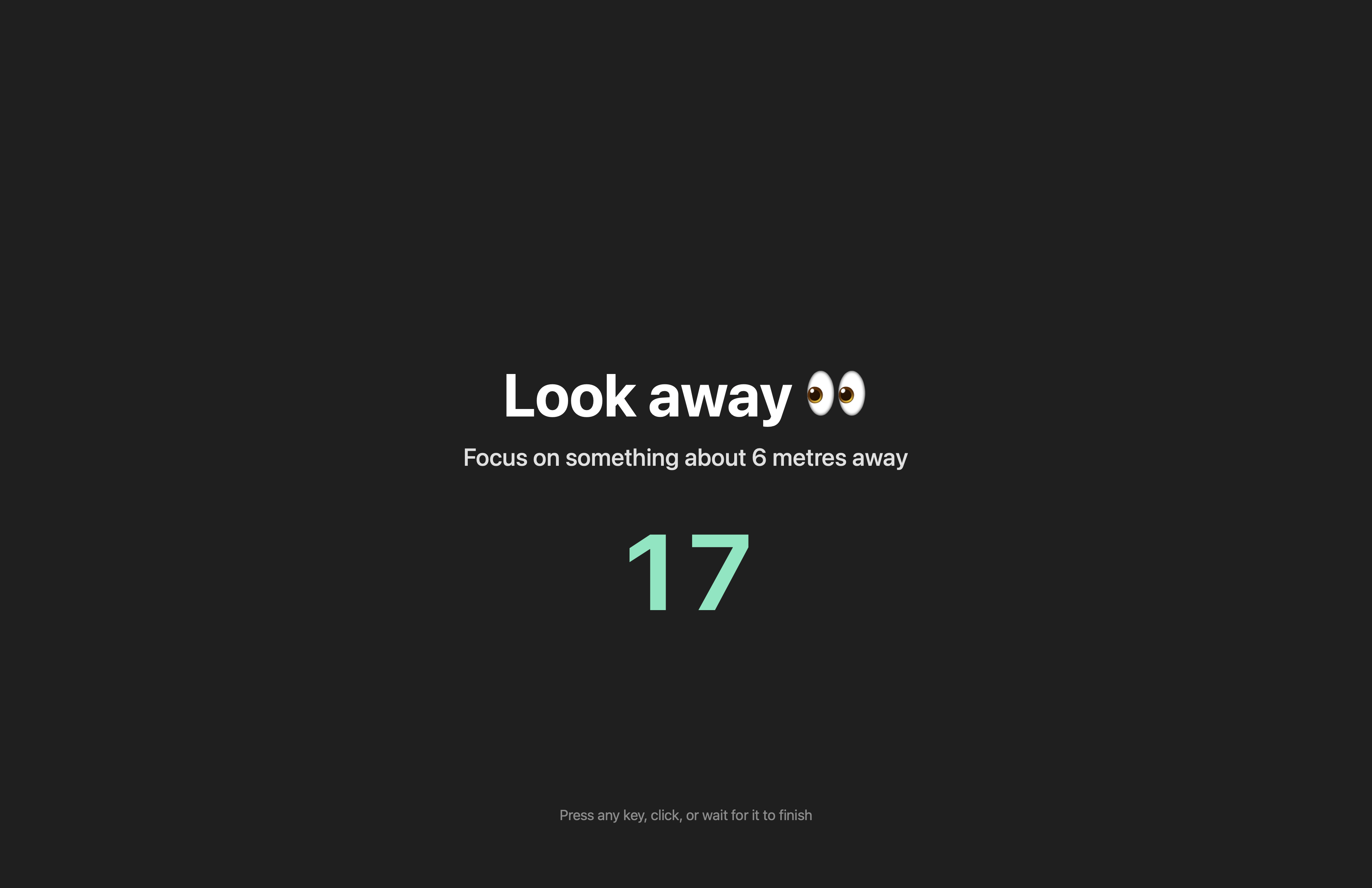
If you spend a long time in front of a computer and forget to rest your eyes, you can end up with sore, dry eyes. Eye Break reminds you to look away for 20 seconds every 20 minutes — with a full-screen reminder that's hard to miss.
A live eye icon with a monospaced countdown to the next break.
Dims the whole screen and counts down the 20 seconds while you look away.
A sound and time-sensitive alert that cuts through Focus and notification settings.
Optionally launch automatically when you log in, via the modern macOS login-item API.
EyeBreak-1.2.dmg from the Releases page.bash install.sh to copy, clear quarantine, and re-sign automatically../EyeBreak.app/Contents/MacOS/EyeBreak --demo
Click the 👁️ menu-bar item to set the interval, toggle the full-screen break, enable "Open at login", pause, or look away now. The login item uses the modern macOS login-items API, so it also shows up under System Settings → General → Login Items and stays in sync with the menu checkbox.